3. Install Rockchip Driver Assistant
If it is the first time to download firmware in Windows, you need to
install Rockchip Driver DriverAssitant/DriverInstall.exe
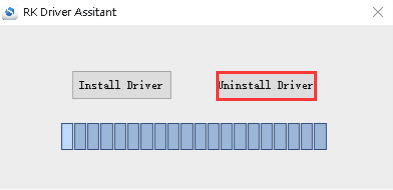
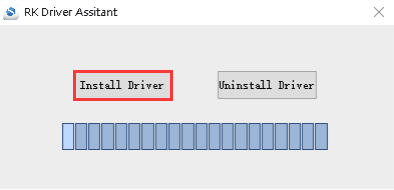
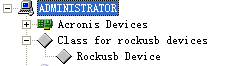
After the installation is complete, connect the board and PC with USB cable and press the Recovery key and hold then power the board, in Computer Management can see the following information:
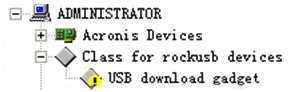
The WINDOW will pop up found New Hardware Wizard dialog box, choose to
install from the specified location, and then select
/DriverAssitant/ADBDriver
After the installation is complete in Computer Management can see the following information: