The SBC11126B supports Normal mode and Upgrade mode.
Normal mode |
Upgrade mode |
|---|---|
Normal mode is the normal startup process |
MaskRom mode Loader mode |
1. MaskRom Mode
In general, there is no need to enter MaskRom Upgrade Mode. Only when the bootloader verification fails (the IDB block cannot be read, or the bootloader is damaged), the BootRom code will enter this mode. At this time, the BootRom code waits for the host to transmit the bootloader code through the USB interface, load and run it. When the board becomes bricked and cannot start or upgrade the program normally need enter MaskRom Upgrade Mode.
1.1 Entering via Hardware
❶ Connect PC and development board with USB-A cable.
❷ Short circuit SARADC0_IN7_BOOT and GND.
Caution
Short only the two pins. Avoid touching other parts to prevent short circuits and board damage.
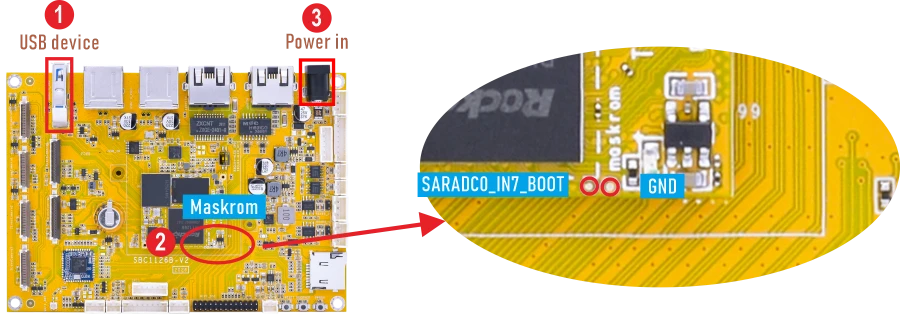
❸ Power on.
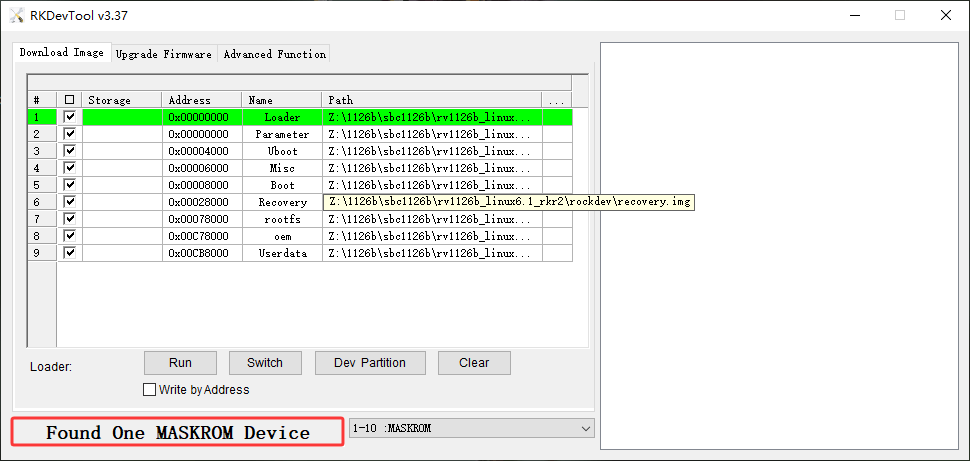
RKDevTool (Debian/Buildroot)
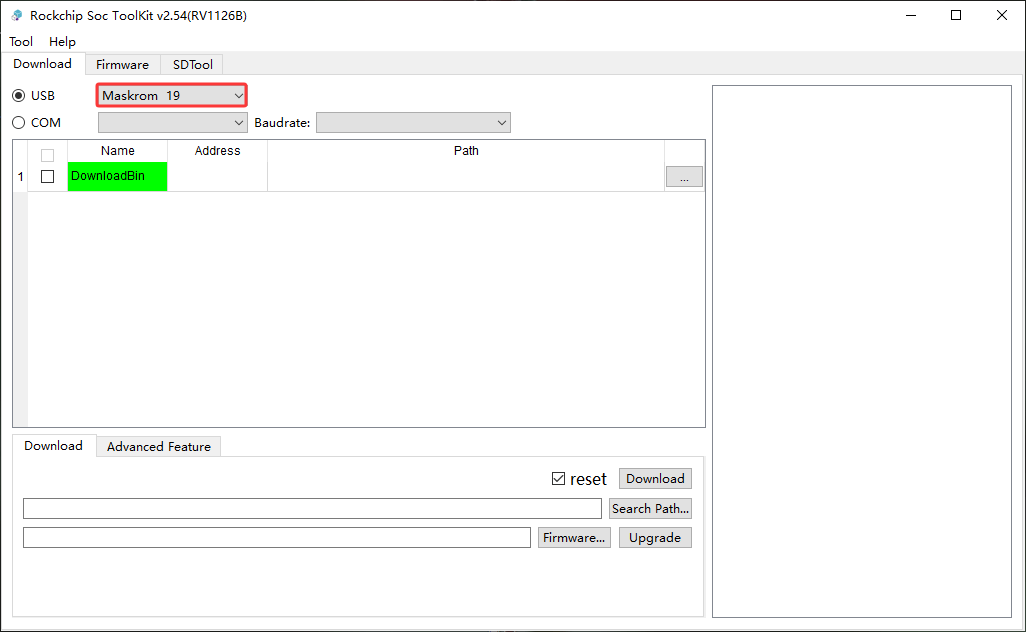
Rockchip Soc ToolKit (IPC)
1.2 Entering via Shortcut
❶ Connect PC and development board with USB-A cable.
❷ Open the serial debug terminal.
❸ Press and hold Ctrl + B in the serial terminal, then power on the board. Release Ctrl + B when the flashing tool shows Found one LOADER Device (Debian/Buildroot) or Maskrom (IPC) .
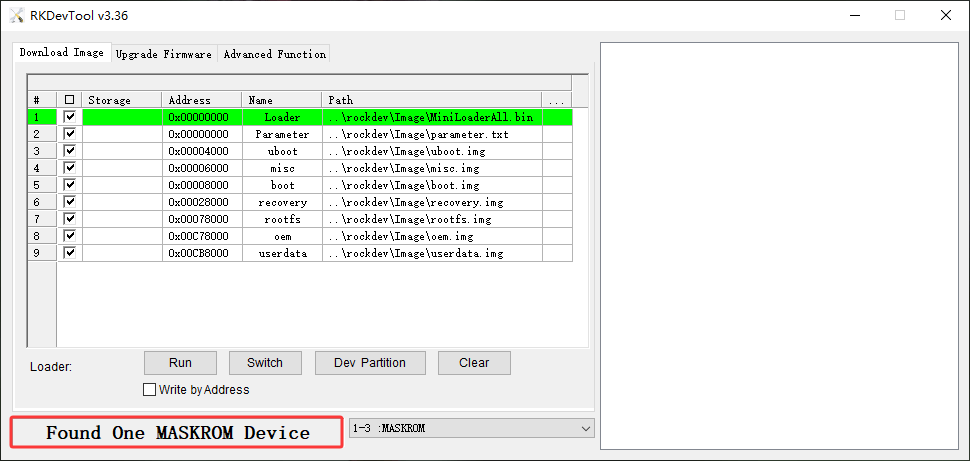
RKDevTool (Debian/Buildroot)
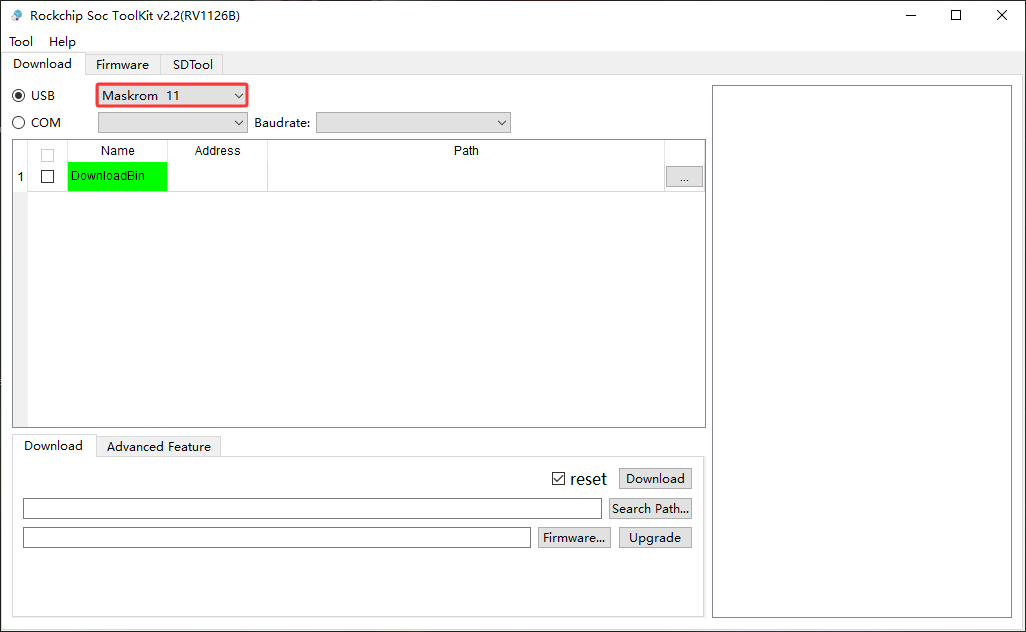
Rockchip Soc ToolKit (IPC)